
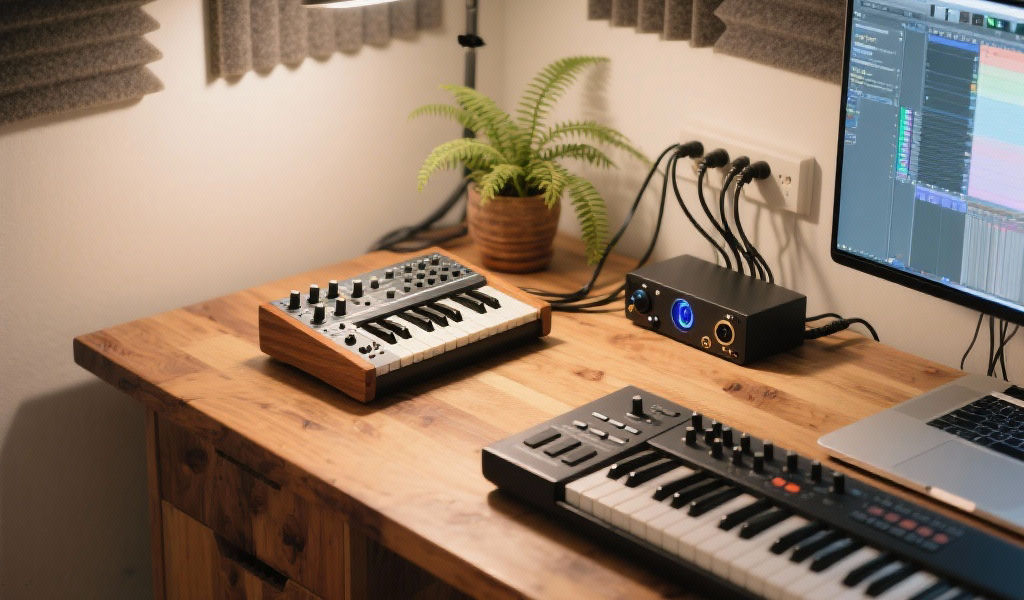
Integrating synthesizers with DAWs is essential for modern music production. Discover the intricate dance of hardware and software, enabling you to unleash your creative potential while enhancing your workflow and sound design. From MIDI to audio, mastering this synergy is key to finding your unique voice as a producer.
Key Takeaways:
- Understanding MIDI and audio integration is fundamental to a productive studio setup.
- Seamless connectivity can transform your workflow, allowing for better creativity and efficiency.
- Automation of parameters enhances sound design and performance preservation.
- Advanced techniques, including clock synchronization and hybrid workflows, optimize your production capabilities.
Estimated reading time: 8 minutes
Join our newsletter to dive deeper into synthesizers and music production, and explore tips from our community.
Table of Contents
The Importance of Synthesizers in Music Production
At Noxal, we live and breathe synthesizers. From the iconic throb of an analog bassline to the shimmering pads of a digital masterpiece, we appreciate that these instruments are the very soul of electronic music. But in today’s production landscape, the magic truly happens when standalone sonic powerhouses are seamlessly integrated into your Digital Audio Workstation (DAW).
Integrating your synths with your DAW is not merely a technical endeavor; it’s an artistic journey. The joy of tweaking physical knobs and faders alongside the powerful capabilities of a DAW enhances creativity and allows for more versatile and dynamic sound design.
MIDI Integration: The Language of Control
MIDI is the digital language that allows musical instruments and computers to communicate. It sends data about notes played, velocity, pitch bends, modulation, and controller movements.
a. Sending MIDI from DAW to Synth: Connect your DAW to your hardware synth and let it act as the “brain.”
- What you need: A MIDI Interface and MIDI Cables.
- How it works:
- Connect your MIDI interface and synth.
- DAW Setup for a new MIDI track.
- Sequence notes and record MIDI.
- Benefits: Precise sequencing and easy editing.
- Challenges: Ensure correct channel assignments and manage potential MIDI latency.
b. Receiving MIDI from Synth to DAW: Use your hardware synth to send MIDI data into your DAW.
- What you need: MIDI Interface/USB MIDI.
- How it works:
- Connect the MIDI OUT of your synth to the MIDI IN of your interface.
- DAW Setup allows MIDI input from the interface.
- Record performances directly into your DAW.
- Benefits: Capture expressive performances easily.
- Personal Insight: Use main keyboard synths as versatile controllers.
Audio Integration: Getting the Sound In
Once the DAW communicates with the synth via MIDI, it’s essential to get the actual sound back into the DAW.
What you need: An Audio Interface and the right Audio Cables.
- How it works:
- Connect synth audio output to audio interface input.
- Create a new audio track in your DAW.
- Monitor and record audio with the correct settings.
- Benefits: Capture the unique sound of hardware synths.
- Challenges: Gain staging and latency management.
Hybrid Workflows
Many modern DAWs offer dedicated “External Instrument” plugins that combine MIDI and audio integration into a single track.
How it works:
- Connect MIDI and audio as described before.
- Create a new track and insert your DAW’s External Instrument plugin.
- Configure the plugin for MIDI output and audio input, with latency compensation.
- Record your sequences and automate hardware parameters directly in the DAW.
Advanced Techniques & Studio Considerations
After mastering the basics, consider these advanced techniques:
Clock Synchronization: Ensure your DAW sends timing information to your synths, allowing for better grooves and sync.
Latency Management: Keep your audio interface buffer size optimal, and compensate for hardware latency if needed.
Cable Management: A tidy studio promotes efficiency and minimizes noise; quality cables can help mitigate ground loops.
Creative Sound Design:
- Layering different sounds from hardware and software.
- Using hardware synths as analog effects processors.
- Resampling audio to create unique textures and samples.
Connecting to Noxal’s Perspective
At Noxal, we believe in the lifelong passion of learning and creating with synthesizers. Seamless integration is vital for maximizing your investment and breaking down creative barriers. By mastering both hardware and software, you become a more versatile producer.
Conclusion: Your Studio, Your Sound, Unleashed
Integrating synthesizers with DAWs invites you into a more expansive, fluid, and powerful creative process. Mastery of MIDI, audio, and hybrid workflows transforms your studio into a single, unified instrument.
Remember, with every cable connected and every setting optimized, you’re pushing boundaries and refining your unique sound. Dive into experimentation and reap the immense rewards awaiting you.
FAQ
Q: What’s the best way to connect a synth to a DAW?
A: Use a MIDI interface for sending MIDI data and an audio interface for capturing sound. Ensure settings are correctly configured.
A: Use a MIDI interface for sending MIDI data and an audio interface for capturing sound. Ensure settings are correctly configured.
Q: How can I prevent latency during audio recording?
A: Optimize your audio interface buffer size, and consider direct monitoring when recording.
A: Optimize your audio interface buffer size, and consider direct monitoring when recording.
Q: Can I use my hardware synth for effects processing?
A: Yes, route audio through your hardware synth to utilize its unique filters and effects.
A: Yes, route audio through your hardware synth to utilize its unique filters and effects.
Q: What are some common pitfalls in MIDI integration?
A: Ensure correct channel assignments, and watch out for latency issues.
A: Ensure correct channel assignments, and watch out for latency issues.
And remember, if you find the perfect synth sound that’s simply too incredible, you might start questioning your own existence. Perhaps it’s time to ease off the creativity overload before you accidentally create an entirely new genre of ‘Synth-Dad’ music.